Vector and paint, on one timeline.
Animate Arcade is the studio's own 2D animation tool, in the spirit of Adobe Animate: its timeline, symbols and classic tweens, and its drawing tools on vector layers and pixel layers. Made for the studio's Unity pipeline.
Looking for the latest build.
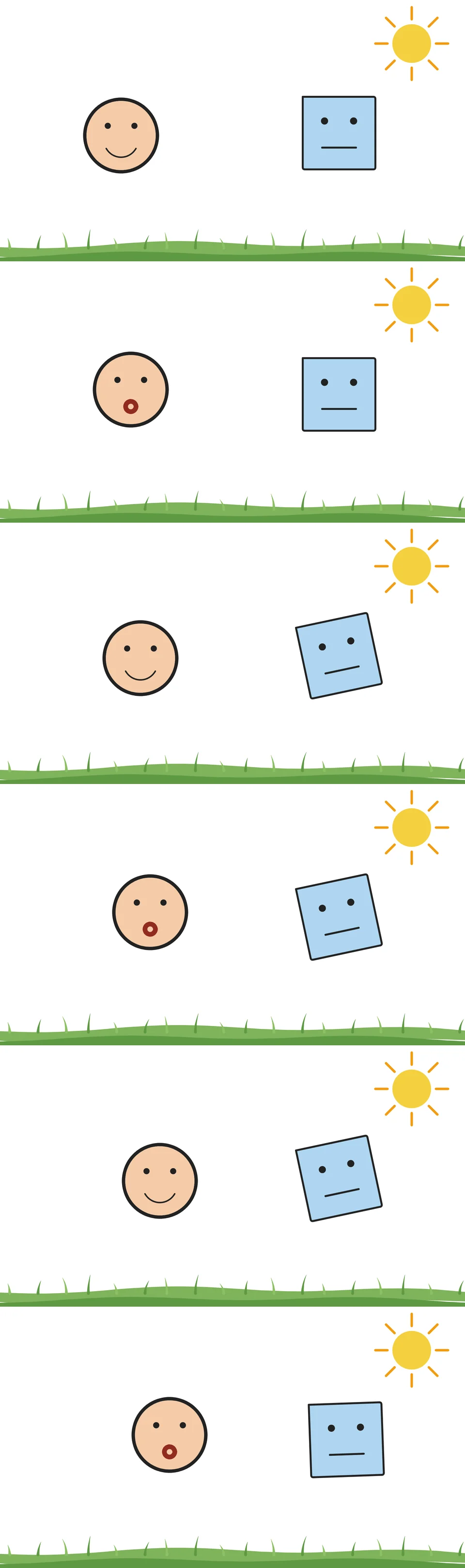
Drawn and animated in the app itself, twelve frames on a loop.
Two artists, one document.
One artist paints in Photoshop, in pixels. The other draws in Animate, in vectors. They hand work back and forth, and both feed Unity.
Here both kinds of art live in the same document, each on its own layers, in a tool the team owns. One click shows which is which.
Vector Paint
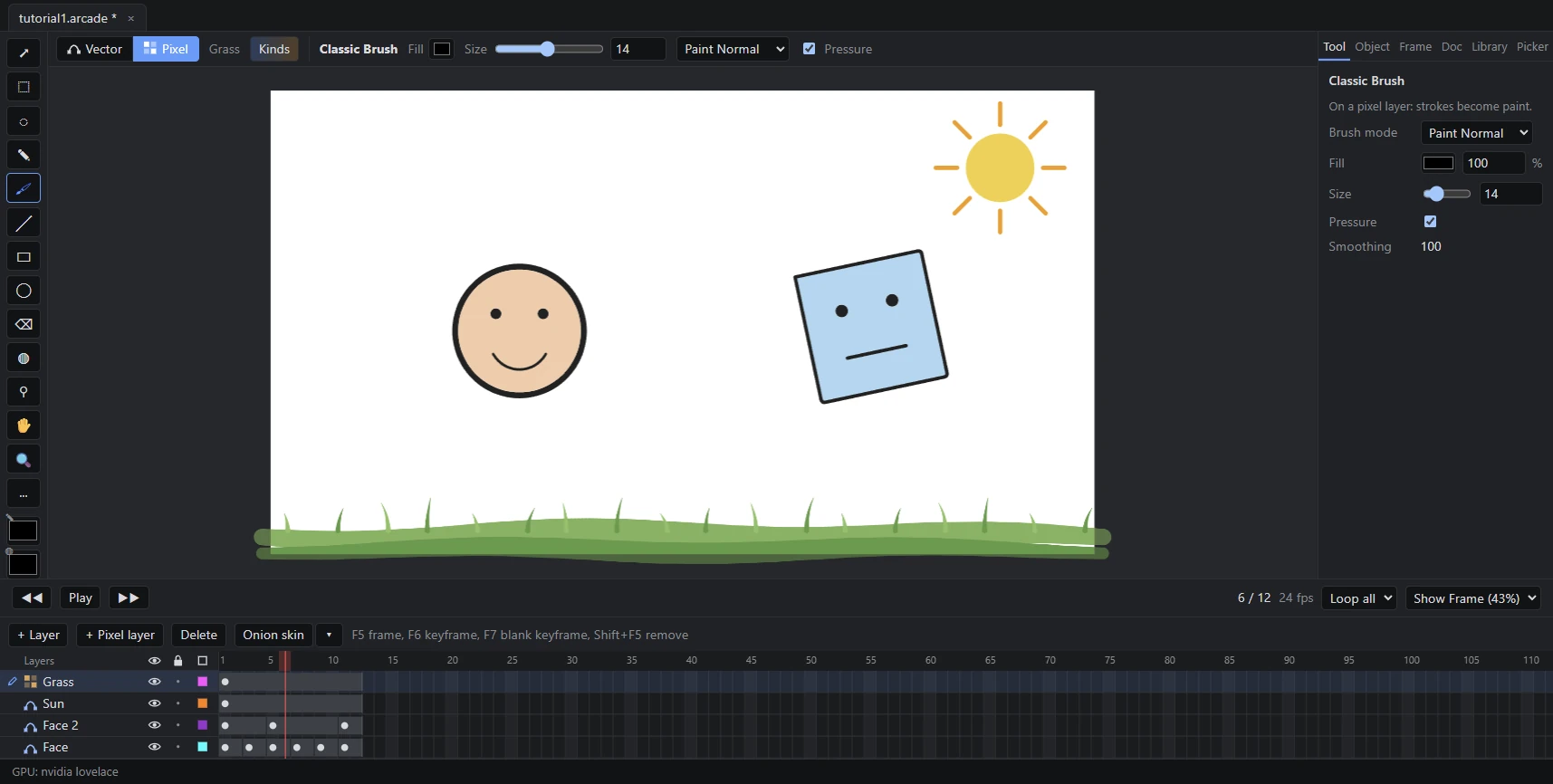
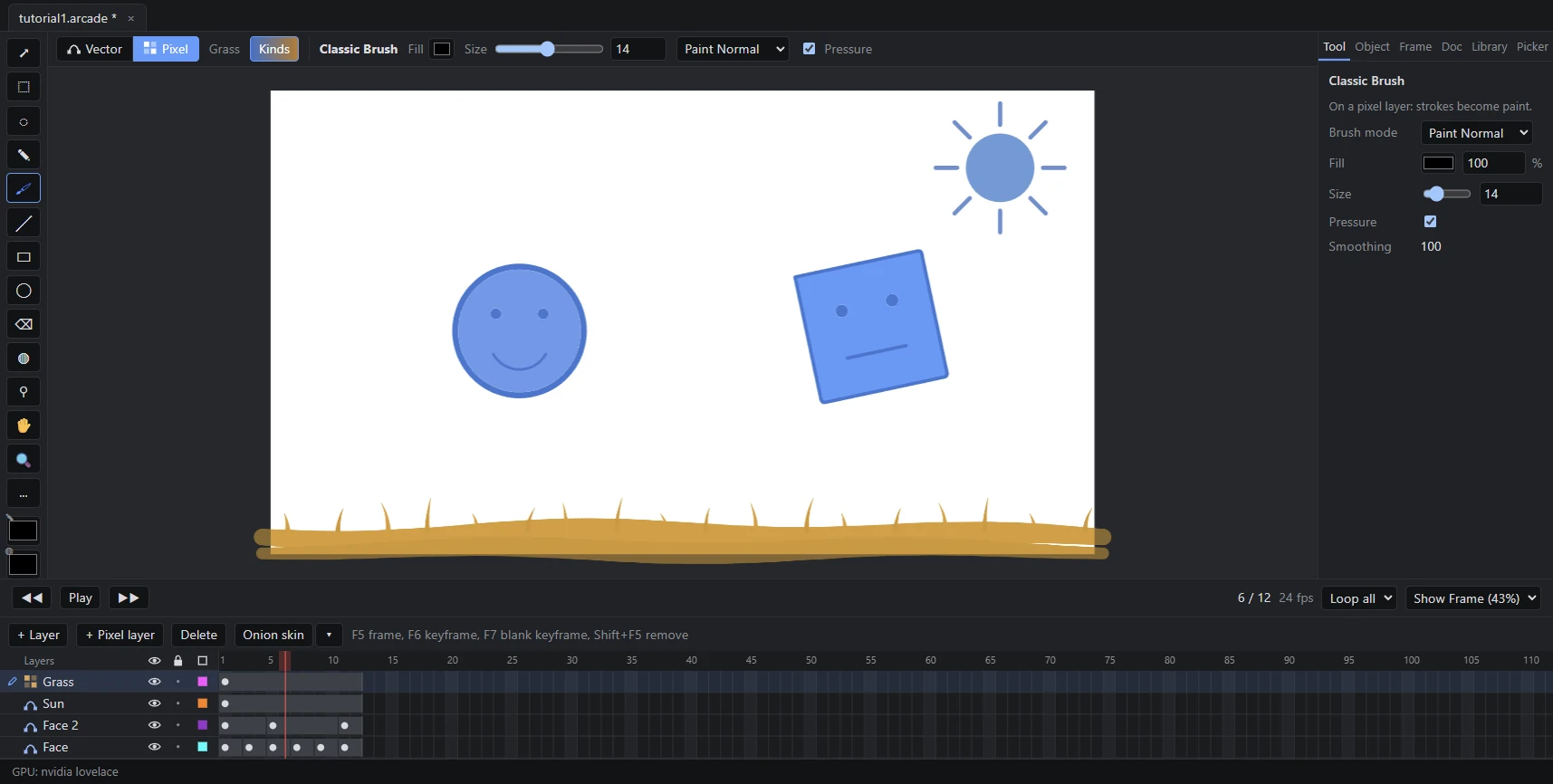
With Show Kinds on, vector art turns blue and paint turns orange. The grass is paint; the rest is vector.
The timeline you already know.
F5 adds a frame, F6 a keyframe, F7 a blank keyframe. Onion skin shows the poses before in blue and after in green, as Animate does.
Symbols live in the library and are posed frame by frame, the way the studio poses them. Classic tweens take Animate's eases, or a curve you draw in the ease editor.
Every document opens in its own tab, with its own undo.
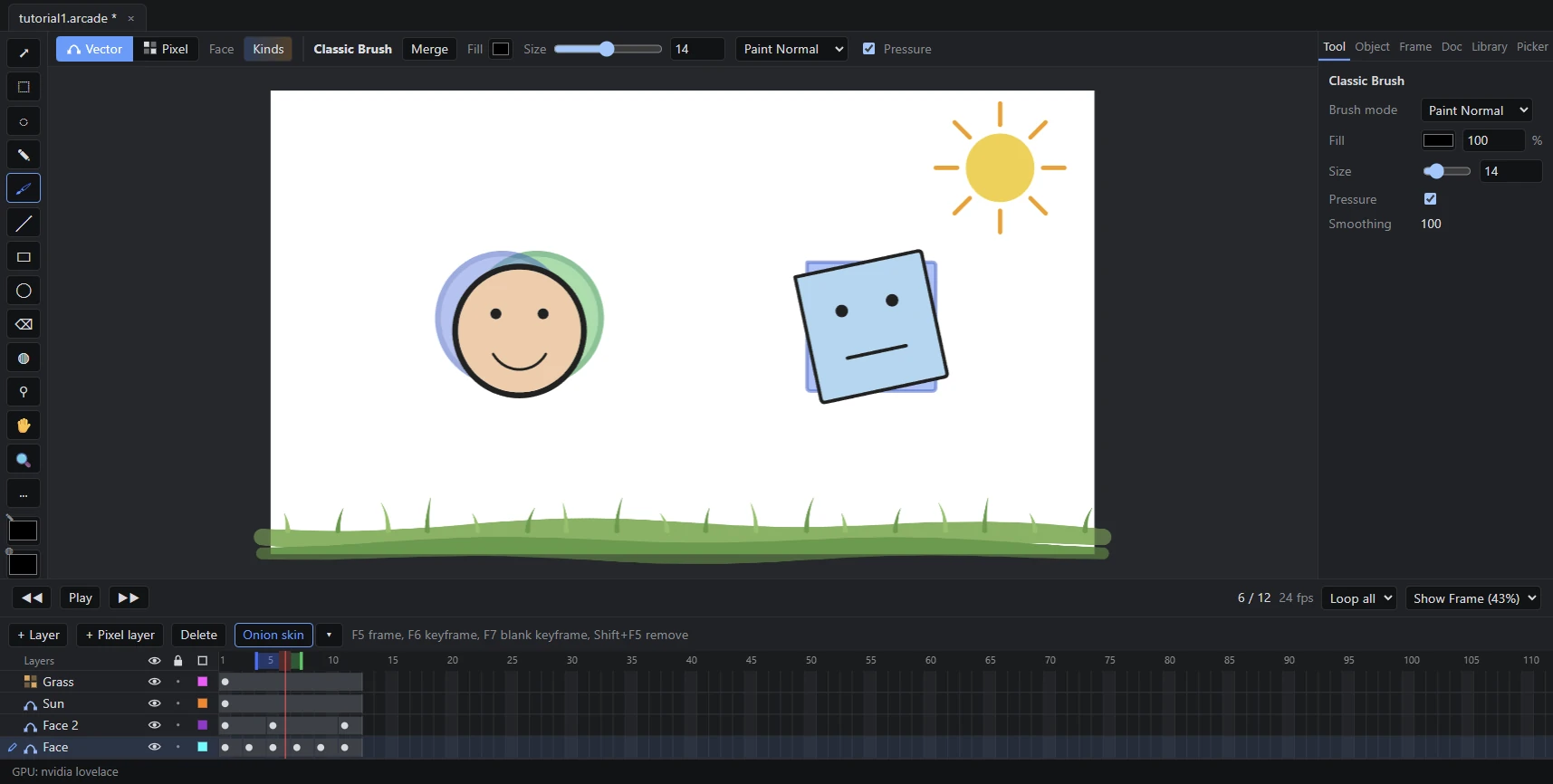
Onion skin on the round face, frame 6 of 12.
Animate's drawing tools, on both kinds of layer.
Merge Drawing and Object Drawing behave as they do in Animate. Select a pixel layer and the same tools paint.
- Classic Brush
- Paint Brush
- Pencil
- Eraser
- Paint Bucket
- Ink Bottle
- Eyedropper
- Shapes
- Selection, with reshaping
- Lasso
- Free Transform
The studio's FLAs and PSDs come with you.
The studio's own Animate files play and open as documents. A PSD comes in layer by layer and stays linked to Photoshop, and frames go back out as PSD.
and frames back out as .psd
Claude can hold the pen too.
Every feature can also be driven by an AI through MCP, so Claude Code can draw, render and check frames.
- 01
- 03
- 05
- 07
- 09
- 11
The loop's poses, rendered by the app for export.
Still to come.
- SWF export for the Unity pipeline
- The Mac build
- Updates that install themselves
- Tutorials inside the app

Get Animate Arcade.
For Windows. The installer sits behind a password you get from the team.
Looking for the latest build.
The Mac build comes later. Animate Arcade is a working name.